Electrician marketing that lands the bigger jobs
Where an electrician loses business
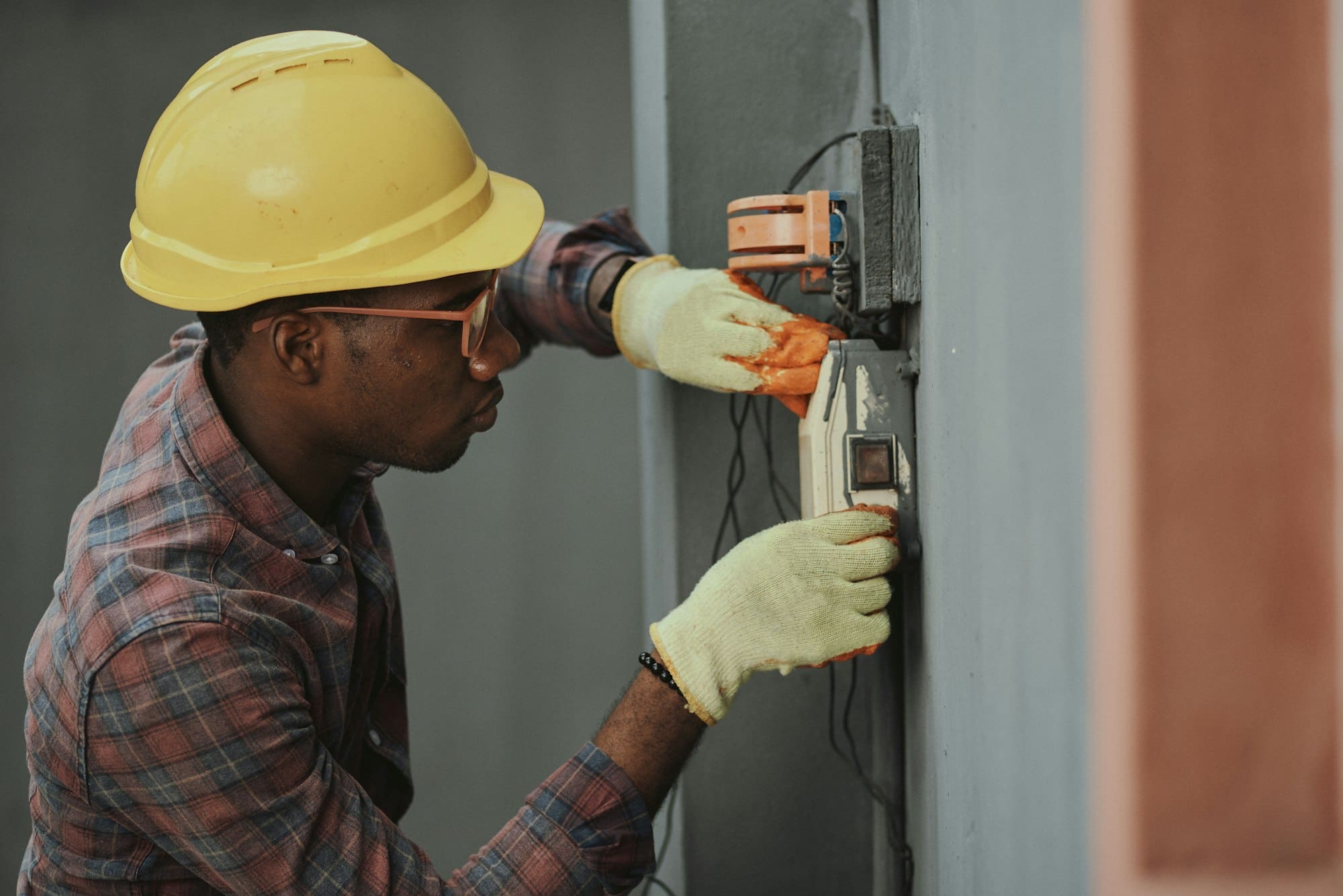
Homeowners worry about who touches their wiring
Most people know bad wiring can start a fire, so they want a licensed, insured electrician. A Google search page doesn't show who's licensed, and the listings all look alike.
Many settle for the first name that looks safe. When nothing on your listing says you've been checked, that name is somebody else's.
Your ads pay for people who'll do it themselves
Searches like 'how to replace an outlet' or 'electrician jobs' can still show your Google ad. You pay for every click, and none of those people will hire you.
A panel upgrade search can also get the same budget as a light switch swap. Google's statement shows what you were charged, with nothing on which clicks became calls.

You're on the map for some jobs and not others
Search 'electrician near me' and three businesses show under the map. Try 'EV charger installation near me' and the three can be different companies.
Distance counts too. You can be top three near your shop and missing five miles away, where a homeowner just bought an electric car.
What one missed electrical call costs you
| Upgrade a panel to 200 amps | $3,000, usually $1,500 to $4,500 |
|---|---|
| Install six recessed lights | $1,467, usually $1,056 to $1,968 |
| Install a home EV charger | $1,200, usually $1,000 to $2,500 |
Find out what's costing you customers
Look yourself up the way a homeowner would
- 1.Put your license number on your website
Add it to the footer and your contact page. A homeowner checking you out shouldn't have to call to ask for it.
- 2.Set your main category to Electrician
It decides which searches you show up for. Add extra categories only for work you take on regularly.
- 3.Name the big jobs as services
List the jobs you want more of, such as panel upgrades and EV chargers, so Google can match you to those searches.
- 4.Show off tidy work
A neat panel or a kitchen with new lighting says more than a logo. Add a few photos from each month's jobs.
- 5.Draw your service area where you drive
List the towns you'll go to. An area drawn too wide brings calls from places you won't drive to.
- 6.Make your number dial with one tap
Open your website on your phone and tap your number. If nothing happens, a homeowner on a phone has to copy it by hand.
Want us to check yours for you?