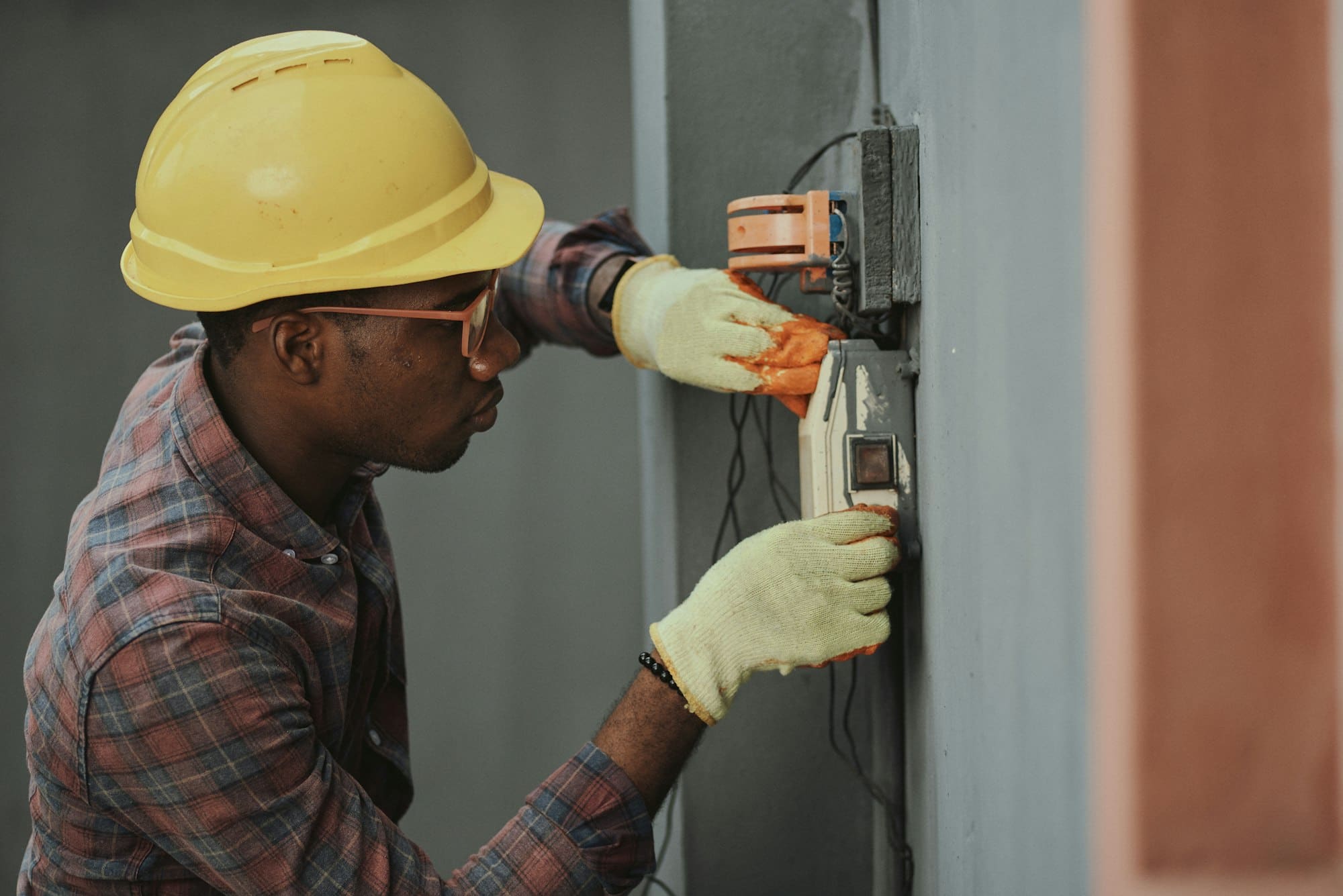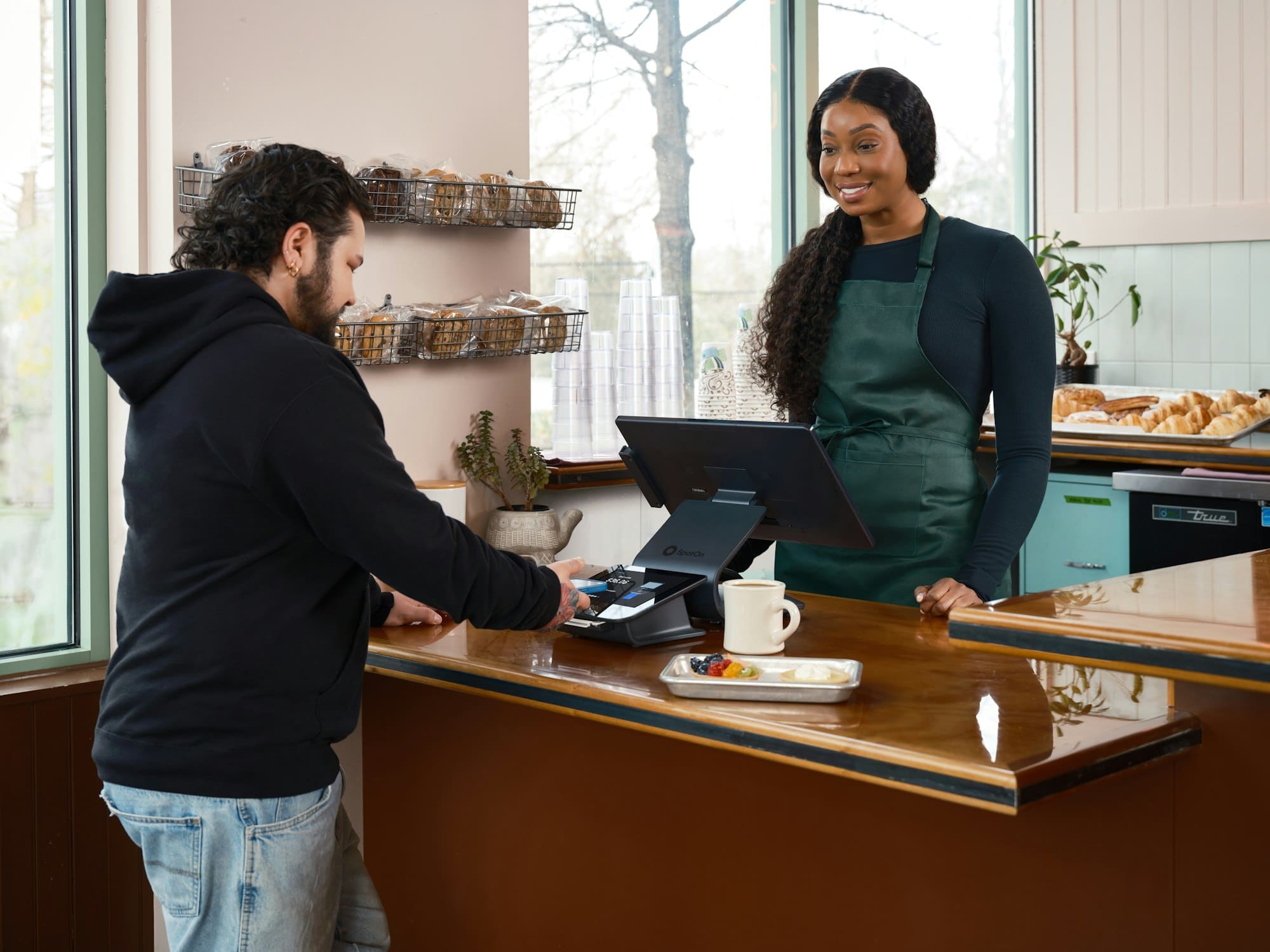
Ask every customer for a Google review right after the job, and send a link that opens the review box on your Google Business Profile. Include the customers you're unsure about, and offer nothing in return. Then reply to the reviews that come in. Each of those steps sits inside Google's published policy for reviews, and the shortcuts outside it can cost you the reviews you already have.
Why reviews matter for a local business
Reviews do two jobs. They're what a stranger reads before deciding to call you, and your star rating shows next to your name in Google Maps and in the 3-pack, the map with three businesses that Google shows for local searches.
Google also uses them to rank you. Its help page on local ranking says the number of reviews and your average score both count, and that more reviews with good ratings can improve where you show up.
A strong rating with nothing new in a year makes a careful customer wonder whether you're still in business. Recent reviews show that you're still busy.
Customers read the words as well as the stars. A review that names the job, such as a water heater replacement, tells the next person with the same problem that you've done that kind of work.
Ask every customer, right after the job
Happy customers rarely think to leave a review on their own. Once the job is done and paid for, their day moves on.
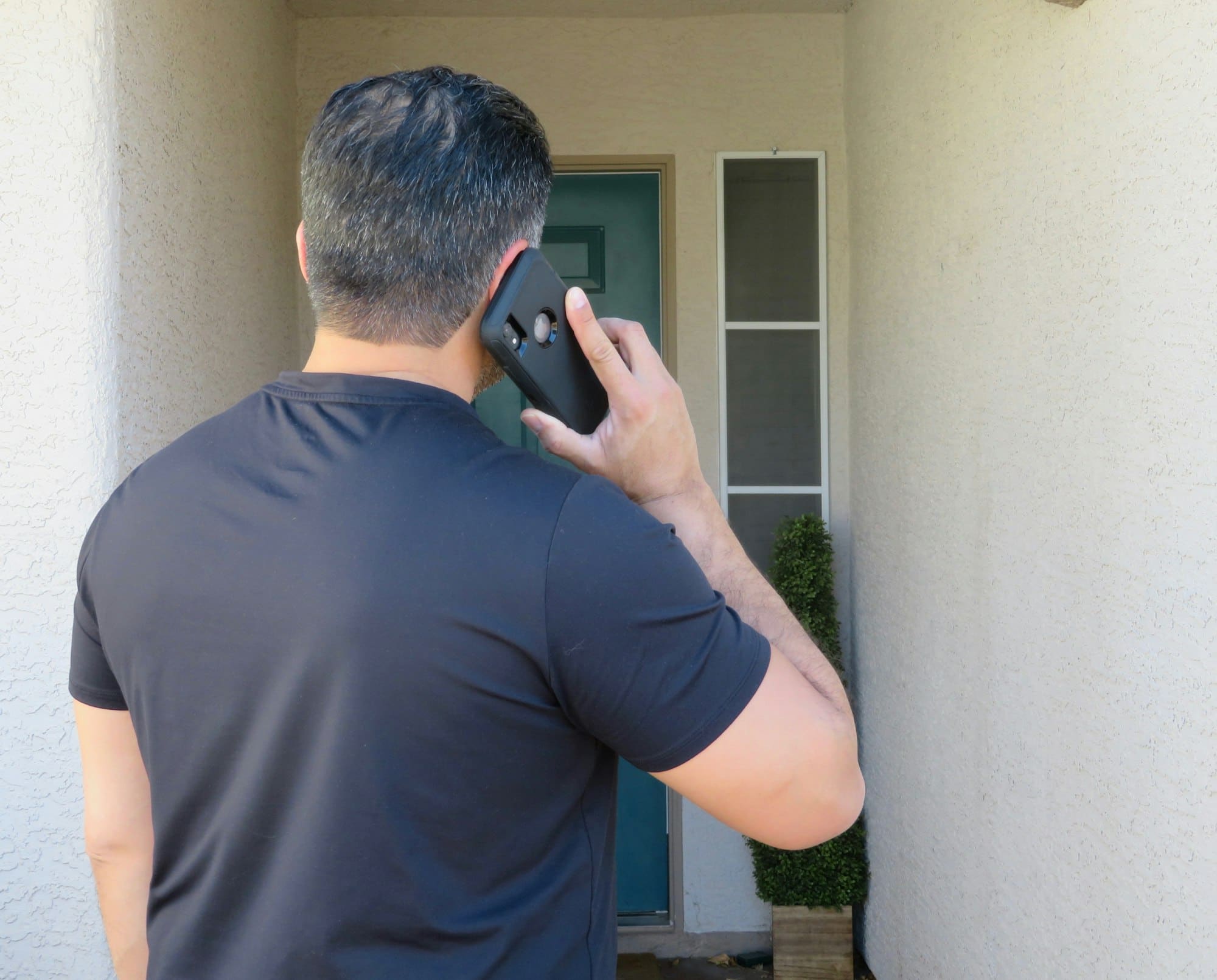
The best time to ask is the same day, while the work is fresh in their mind. A text works well because the customer reads it on the phone they'd write the review on. Ask in person as you wrap up, then send the link before the end of the day.
Send a link that opens the review box
If a customer has to search for your business and then hunt for the review button, many give up partway. Your Business Profile gives you a short link that skips those steps and opens the review form directly.
- 1Sign in to the Google account that manages your Business Profile.
- 2Search for your business name on Google. While you're signed in, your profile's tools appear at the top of the results.
- 3Look for the option to ask for reviews. Google shows a short link you can copy or share.
- 4Save the link where you'll use it, such as your phone's notes and your invoice template.
For customers you see at a counter, a printed sign with a QR code that opens the same link does the job. Most phone cameras read a QR code without any extra app.
Keep the message short. Something like this works: 'Thanks for having us out today. If you have a minute, a Google review helps other families in town find us.' Put the link right after it.
Customers need a Google account to post a review. Anyone with a Gmail address already has one.
What Google's policy forbids
Google's rules for reviews are short, and a few of them catch well-meaning owners off guard.
Choosing who gets asked
Google's policy says businesses must not discourage negative reviews or selectively ask for positive ones. Sending your link only to customers you expect to be happy breaks that rule, and marketers call the practice review gating. A common version sends every customer a quick rating question first, then passes only the high scores on to Google. Ask everyone the same way, and let each customer decide what to write.
Paying for reviews
The policy also forbids offering anything of value in exchange for a review, such as a discount or a gift card. That holds even when you'd accept any rating.
Reviews from inside the business
Reviews written by you or your staff break the rules too, since Google treats them as a conflict of interest. Google removes reviews it finds breaking these rules, and it can take action against the profile itself.
Asking every customer the same way keeps you within Google's policy, and it brings reviews in a few at a time all year.
Want this done for your business
Reply to every review
Google lets you reply to any review from your Business Profile, and your reply appears in public under it. Responding to reviews is on Google's own list of tips for local ranking, and the next customer reads your replies along with the reviews.
For a good review, thank the customer by name and mention the job if it fits. A sentence or two is plenty. Reply within a few days if you can, while the job is still fresh for both of you.
A bad review needs more care, so wait until you're calm. Say you're sorry it went that way, and give a phone number to sort it out. If the review gets a fact wrong, correct it in one plain sentence. Leave out private details about the customer and the job.
A page of nothing but five-star reviews can look odd to a careful customer. Some lower ratings with calm replies show how you handle a problem.
Google doesn't let a business delete reviews. You can report one that breaks Google's policy, such as a review from someone who was never your customer, and Google decides whether it comes down.

Make it a routine
- •Pick one person to send the request after every job.
- •Send it the same day, by text or email, with the direct link.
- •Check for new reviews once a week and reply to each one.
- •Every few months, read back through your reviews and note what customers mention most.
Other review sites set their own rules. Yelp, for one, asks businesses not to request reviews at all, so read a site's guidelines before you send customers there.
Our Review Generation service does the asking for you: every customer gets a request by text or email after the job, with the link to your Google profile. It's $55 a month on its own, and it's included in the monthly plan of every website we build.