Every call and form lead, counted
What a lead looks like in your report
Each lead is a line: what kind it was, where it came from, the page it started on, and when. Reports built on impressions and clicks can look busy while the phone stays quiet. Ours count the people who asked to buy.
Leads, one Tuesday
Example layout
| Lead | Came from | Page | When |
|---|---|---|---|
| Call | Google Maps | Home | Tue 8:42 am |
| Form | Google search | Drain cleaning | Tue 11:05 am |
| Call | Google Ads | Water heaters | Tue 1:17 pm |
| Call | Spring offer | Tue 4:50 pm | |
| Form | ChatGPT | About | Tue 7:32 pm |
What gets counted, and how
Every number in the report has a method behind it. These are the methods.
Phone taps
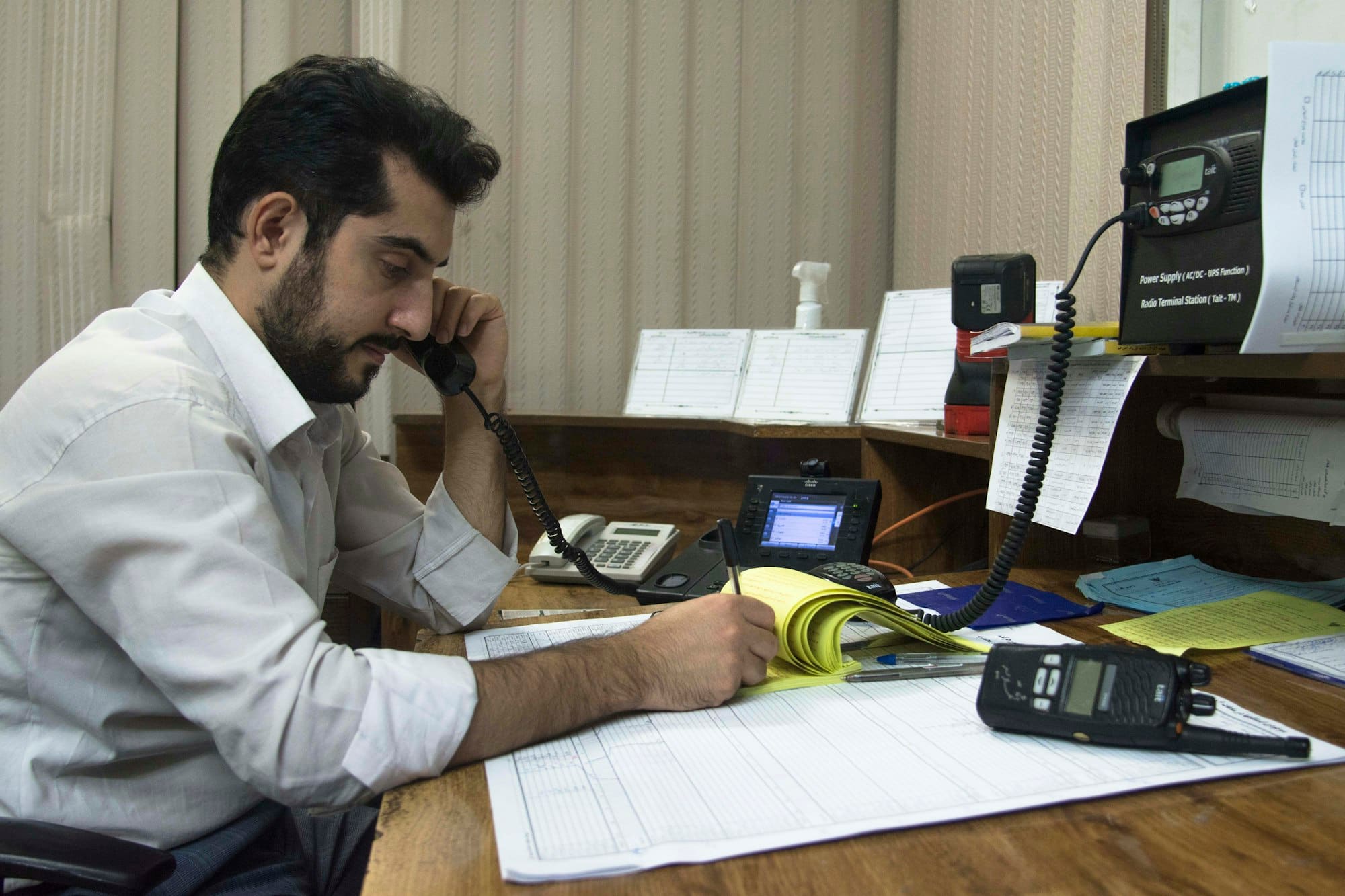
Someone pressed your number on the site. Counted the moment it happens, with the page and the source.
Connected calls from ads
CallRail gives your ads their own tracking numbers and records each call, so you can hear whether it was a customer.
Form leads
Counted only after the form is actually received, never on a button click, so a failed send doesn't show up as a lead.
Where each lead came from
Google Maps, Google search, an ad, Facebook, an AI assistant, or someone typing your address.
Visits, pages and devices
How many people came, which pages they read, and whether they were on a phone.
Heatmaps and recordings
Microsoft Clarity shows where visitors tap and where they stop reading, so page changes start from evidence.
Find out what your marketing brings in today