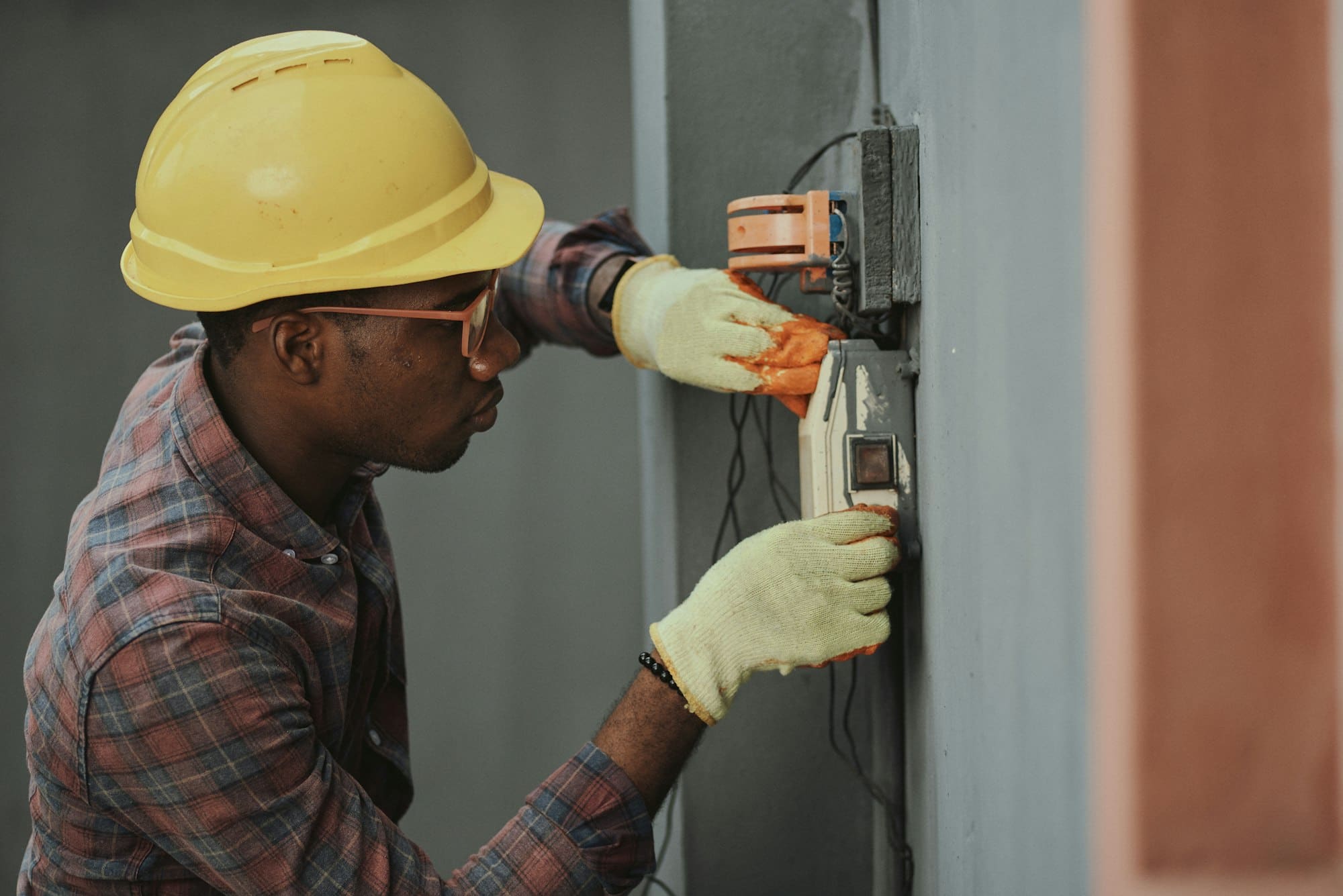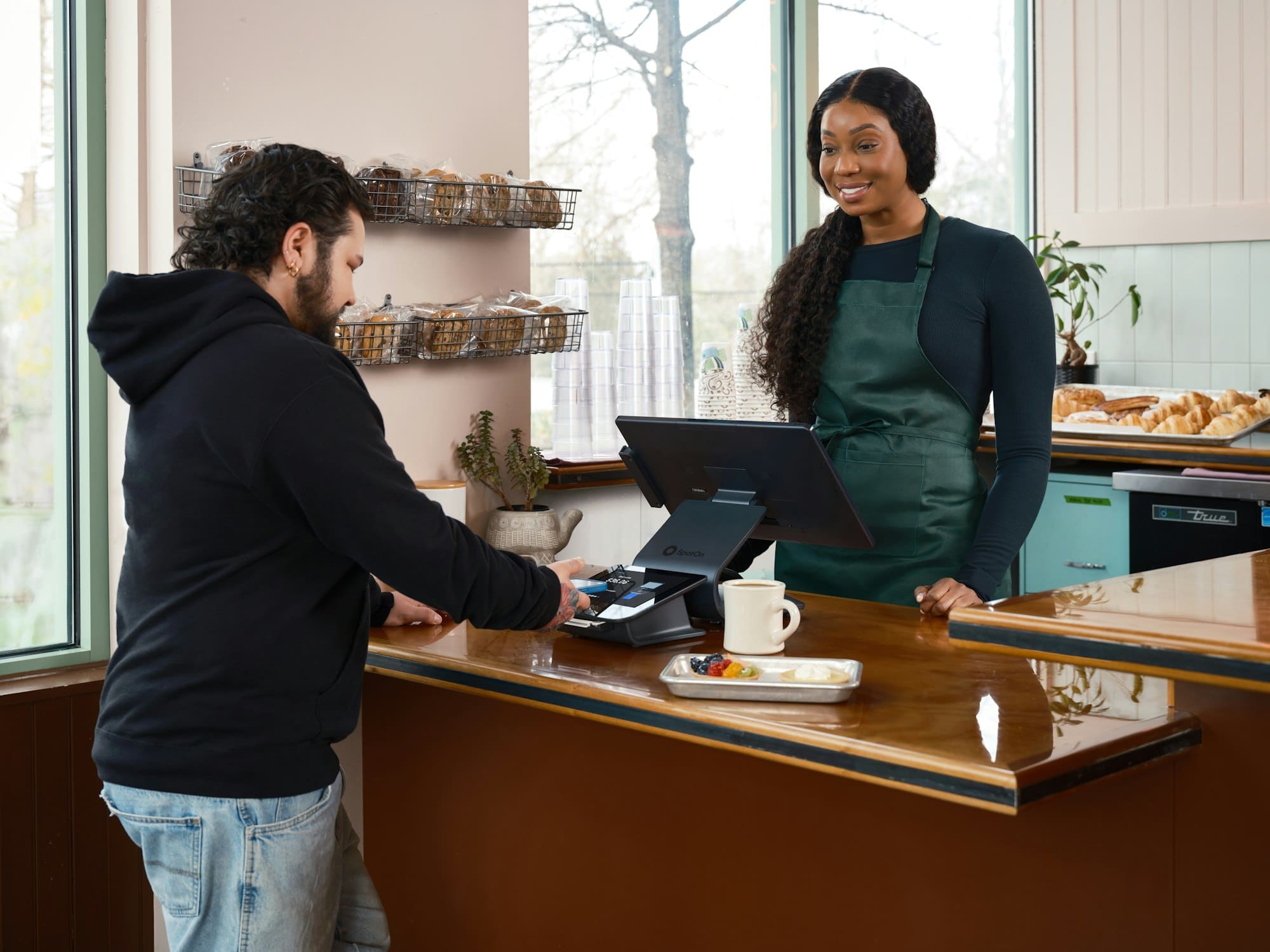
The Google Maps 3-pack is the small map with three businesses under it that Google shows when someone searches for a local service, such as 'plumber near me' or 'roof repair Aurora'. Google picks those three using factors it names itself: relevance, distance and prominence. Distance mostly comes down to where your business sits. The other two depend on your Google Business Profile and your reviews, and you can start on both this week.
What the 3-pack looks like
Search for a service on your phone, and Google often puts a map near the top of the results with a few pins on it. Under the map sit three businesses. Each one shows its name and star rating, with buttons to call or get directions.
People in marketing call this box the 3-pack or the local pack. The listings in it come from Google Business Profiles. A Business Profile is the listing Google keeps for each local business, and any owner can claim theirs at no charge. Tap the map, and Google Maps opens with a longer list of businesses ranked on the same factors.
Why customers call from it
The 3-pack sits near the top of the page, often before any regular website listing. On a phone, it can fill most of the first screen. A customer with a leaking water heater sees three nearby businesses and their ratings at a glance, and the Call button is one tap away. Each listing also says whether the business is open right now, which matters to someone with water on the floor.
On an urgent job, people tend to call the first business that looks right and work down the list until someone answers. A company outside the three can do excellent work and still never hear from that customer.
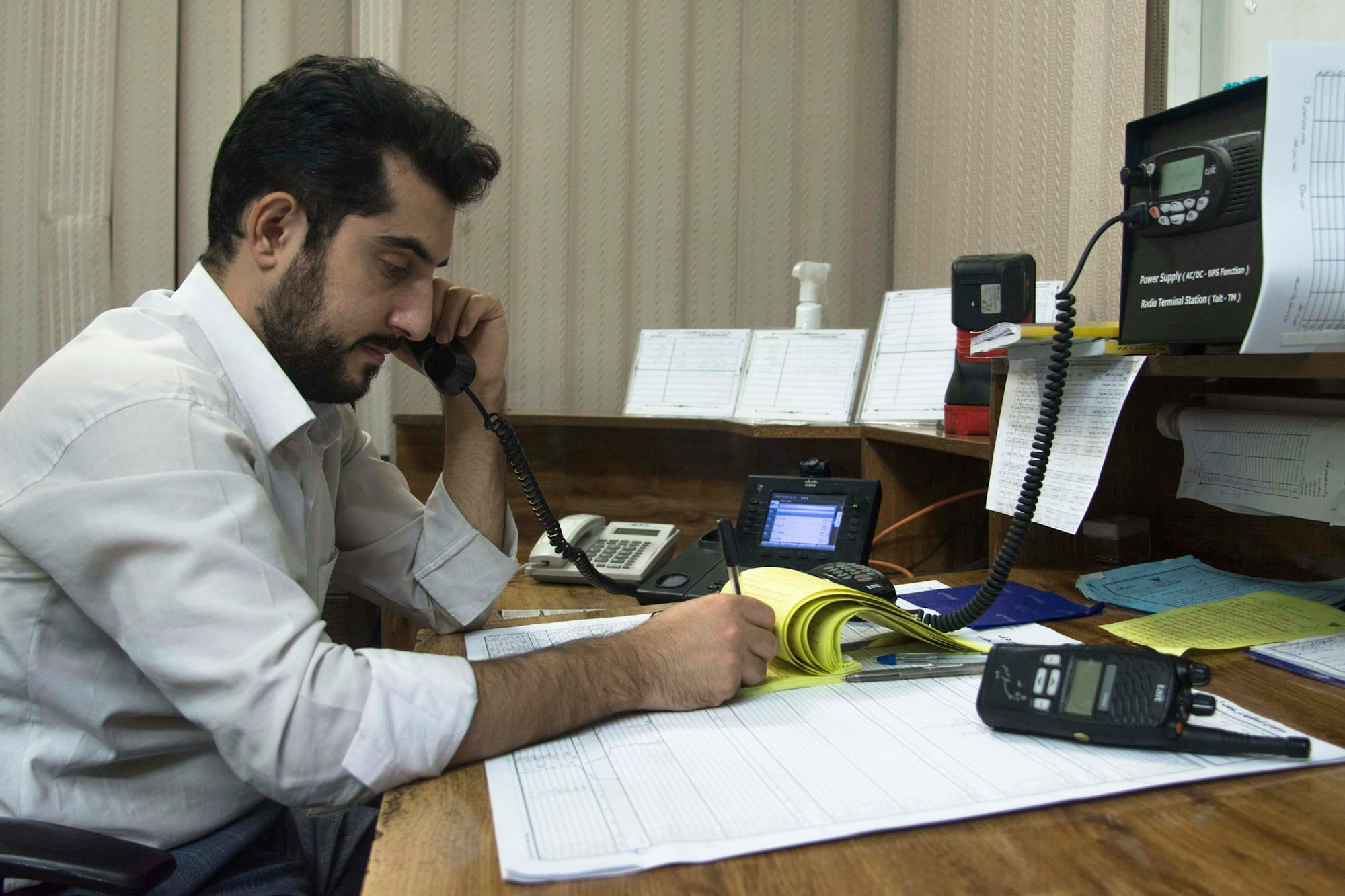
The three factors Google uses
Google explains how it ranks local results on a help page called 'Tips to improve your local ranking on Google'. It names three factors, and each one works differently.
Relevance
Relevance is how well your profile matches what the person searched. Say someone searches 'tankless water heater install'. A profile that lists that service by name gives Google more to match than one that only says 'Plumber'. Your business category and your list of services are where you tell Google what you do, so both should name the jobs you want calls for. Google's advice is to fill in every part of the profile you can, because complete details give it more to match against each search.
Distance
Distance is how far your business is from the place in the search. When someone types a town name, Google measures from that town. If they type 'near me' or no place at all, Google uses what it knows about where they are. That's why the 3-pack changes from one neighborhood to the next, and why a business can come first on its own street and miss the list a few miles away.
Prominence
Prominence is how well known Google thinks your business is. Google says it draws on information from across the web, such as links to your website and listings in directories. The same help page says your review count and review score factor into local ranking, and that your position in the regular website results matters too. Prominence builds slowly, since it grows with every new review and every mention of your business elsewhere online.
Google states that there is no way to request or pay for a better local ranking. Ads marked Sponsored can appear on or near the map, but they're bought separately from the regular listings.
Want this done for your business
What you can do this week
Most of this work happens inside your Google Business Profile, and it fits into an afternoon. Sign in to the Google account that manages your profile, then search for your business name on Google to bring up its edit tools.
- •Claim and verify your profile if you haven't yet. Google asks you to prove you run the business before your edits go live, and it chooses the method.
- •Choose the most specific primary category that fits, such as 'Roofing contractor' instead of 'Contractor'. Secondary categories cover the other work you take on.
- •Add every service you want calls for, in the words your customers use.
- •Write a short description of what you do and the area you cover, in plain words.
- •Set your hours, including holiday hours, so nobody turns up at a locked door.
- •Make sure the phone number and address on your profile match your website.
- •Add photos you took yourself, such as your trucks and finished jobs. Google lists photos among its tips for local ranking.
- •Reply to the reviews you already have, the good ones and the bad ones.
How reviews fit in
Reviews matter in two places. They're part of prominence, and they're what a customer reads before choosing which of the three to call. The steady way to get more is to ask every customer after the job, with a short link that opens the review box. Google's policy forbids asking only the customers you expect to be happy, and it forbids offering anything in return for a review. Save the review link from your profile in your phone, so it's ready at the end of every job.
Mistakes that can cost you the listing
Google's guidelines for Business Profiles are strict on a few points. Breaking them can get a profile suspended, which takes it out of the 3-pack entirely.
- •Keep your business name the way it reads on your sign and your paperwork. Adding keywords or a town to it breaks the guidelines.
- •Use a street address, never a P.O. box. If you go to your customers, hide your address and set a service area instead.
- •Keep to one profile per location. A second profile for the same address breaks the rules too.
Checking where you show up
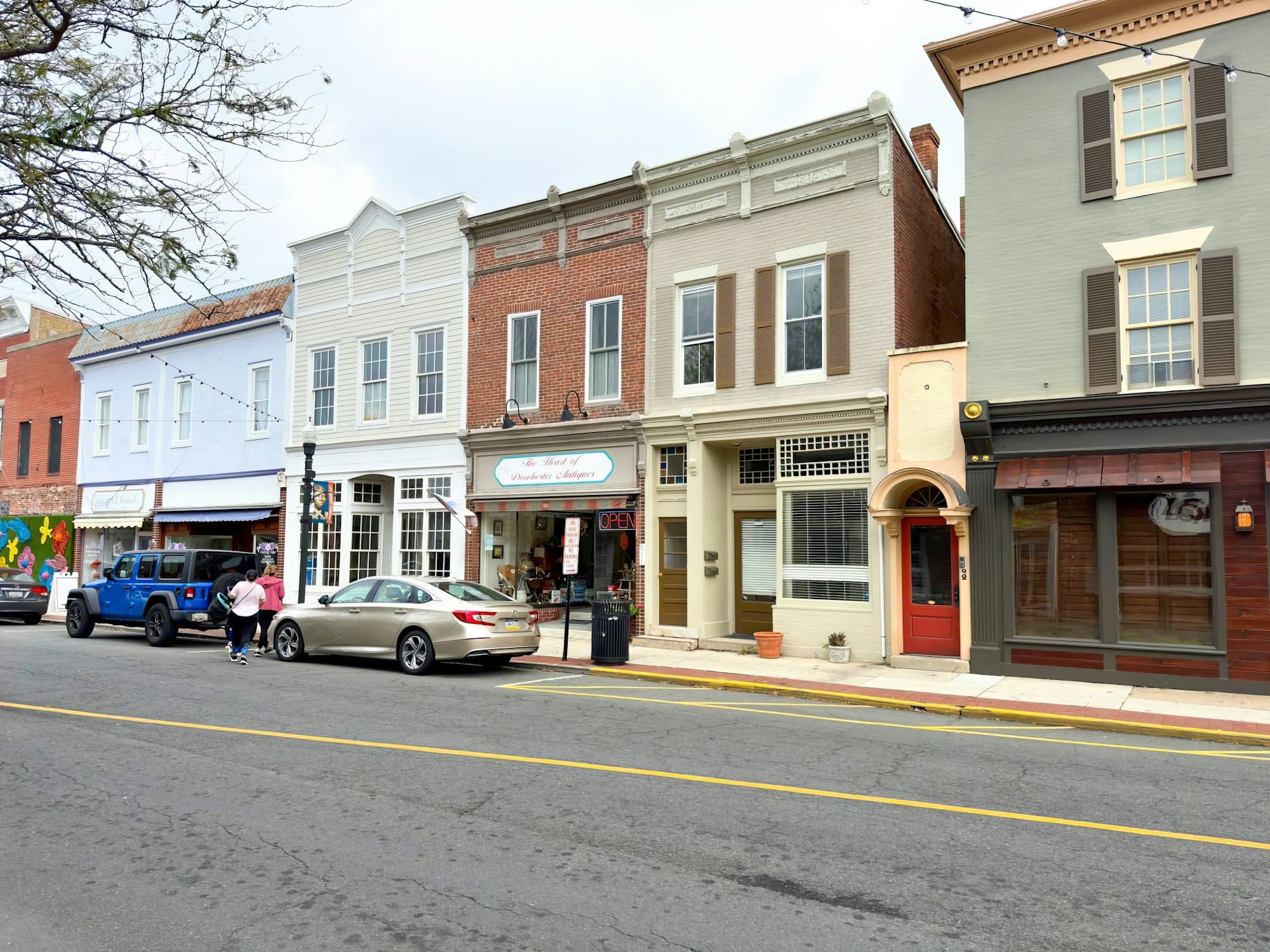
Searching from your own shop shows the 3-pack as it looks on your street, where distance works in your favor. Ask a few customers or friends in other parts of town to search for your main service and send you a screenshot. Try each of your main services, since the three businesses can change from one search to the next. Their results show where you appear, and where you don't yet.
Our Near Me SEO plan tracks seven near-me searches for each location and reports where you show up across the area around your business.